13Jul/18Off
CAMS-ii Transfer Utility Change
There is a previously undocumented change to the CAMS-ii Transfer Utility.
Now, when you use the CAMS-ii Transfer Utility, the standard Save dialog appears.
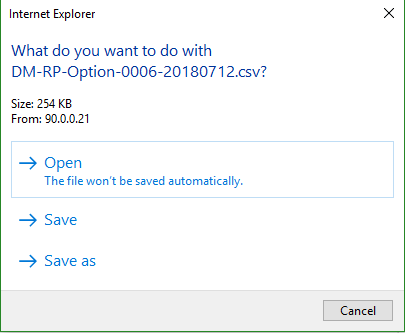
If you want the files from the CAMS-ii Transfer Utility to automatically download to the C:\cbs\camsxfer folder as before:
NOTE: The property may not appear unless you have already tried to transfer a file.
- Go to Back Office > Standard > Parameters > CAMS-ii System Properties.
- Scroll to the property, camsiitransferfolder_oldtransfermethod.
- Click the property to access the property screen.
- Change the Property Value to Yes.
- Click Accept.